

Multi-Device Power Bank adoption is exploding in 2024, transforming how people charge smartphones, tablets, and more on the move as capacity demands and travel needs soar. But not all high-capacity power banks are created equal, and choosing the right model avoids common pain points like poor charging speed and bulkiness.
Key Takeaways
- High-capacity multi-device power banks (8,001–20,000mAh+) dominate 2024, with market size projected to surge thanks to remote work, travel, and smartphone adoption (source).
- Top user pain points are daily portability, charging speed, and inconsistent safety—solved only by choosing advanced USB-C PD models.
- Leading brands now offer value-added features like pass-through charging, multiple device support, and fast Power Delivery, justifying their premium prices.
- What Is a Multi-Device Power Bank & Why You Need One
- How to Choose and Use a Multi-Device Power Bank: Step-by-Step Guide
- Advanced Analysis & Common Pitfalls
- Conclusion
- FAQ
What Is a Multi-Device Power Bank & Why You Need One
Multi-device power banks are portable batteries designed to recharge multiple devices—like your phone, tablet, and even laptops—at once, wherever you are. In 2024, they have become a must-have accessory for travel, remote work, and anyone juggling several gadgets daily. The latest market research shows global demand for high-capacity units (8,001–20,000mAh and above) is skyrocketing, driven by on-the-go lifestyles and rising smartphone usage.source
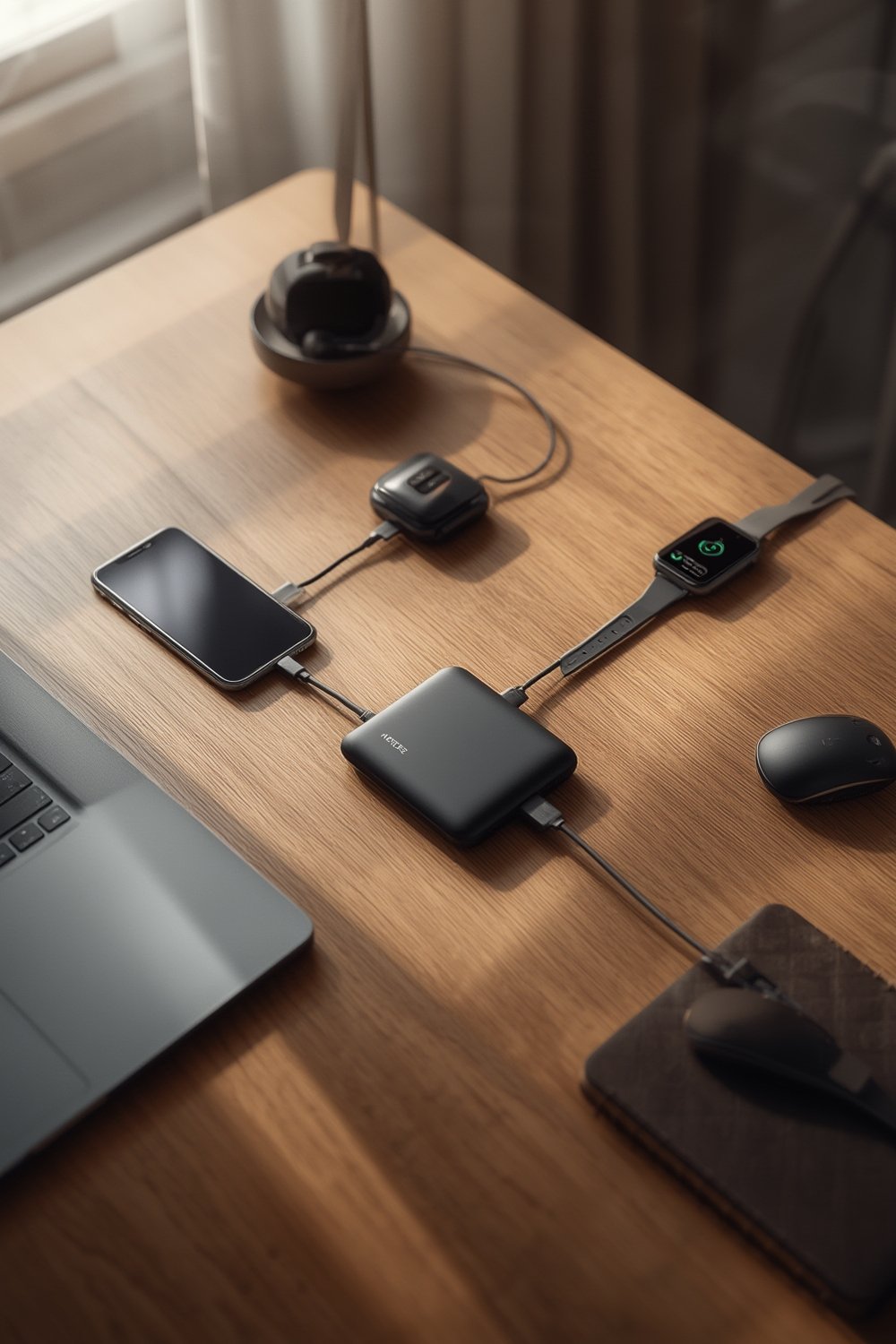
But the story goes beyond raw battery size. True multi-device banks support simultaneous charging with USB-C PD (Power Delivery) for fast, safe, and efficient power boosts. They are now built to recharge everything from flagship phones—like the iPhone 15 and Samsung Galaxy S24—to tablets and even Nintendo Switch consoles, whether during daily commutes, business trips, or emergencies.
Capacities of 8,001–20,000mAh remain the sweet spot for most users, providing multiple full charges for flagship smartphones and tablets. Anything above 20,000mAh increases weight and size, sometimes making daily portability more challenging. This balance of power and portability is exactly what the modern traveler or professional needs.
Want accessories that complement your mobile lifestyle? Consider upgrading your device safety and usability with tools like a phone wrist lanyard or a multiport GaN travel charger for even more versatility.
How to Choose and Use a Multi-Device Power Bank: Step-by-Step Guide
-
Identify Your Charging Needs
Start by listing all devices you need to charge: phones (iPhone, Samsung, Android), tablets, laptops, Nintendo Switch, and others. Factor in peak days, travel, and family device overlap. -
Calculate Required Capacity
Most users want multiple phone recharges or a phone plus a tablet fully topped up. 8,001–20,000mAh covers 2–3 full phone charges or 1–2 for tablets. Go higher (20,000mAh+) for extended remote work days or multi-person travel, but expect more bulk.source -
Demand USB-C Power Delivery (PD) for Fast Charging
PD power banks supply real fast charging—upwards of 20W+ for phones, up to 65W+ for laptops. Ensure your devices support PD for best results. -
Check Number and Type of Output Ports
Choose a power bank with at least 2–3 ports (including USB-C and USB-A) for simultaneous charging. This allows you to keep all your gear powered—phone, tablet, even a wireless charging stand—without sacrificing speed. -
Look for Pass-Through Charging and Smart Safety Features
Pass-through charging lets you recharge the power bank while it charges your devices—a lifesaver in hotels or airports. Smart features like overheat and overcharge protection prevent damage and power loss in daily use. -
Prioritize Build Quality Over Just Capacity
Avoid cheap, no-name high-capacity banks with inconsistent performance or safety risks. Go for trusted brands like Anker that back up their specs and offer certifications. -
Consider Weight, Size, and Ergonomic Design for Portability
Ultra-high-capacity banks (20,000mAh+) can be heavy and large—tricky for handbags or pockets. If you need maximum portability, stick to the 10,000mAh class, or pair with a wrist strap for phones for easier handling on the go.
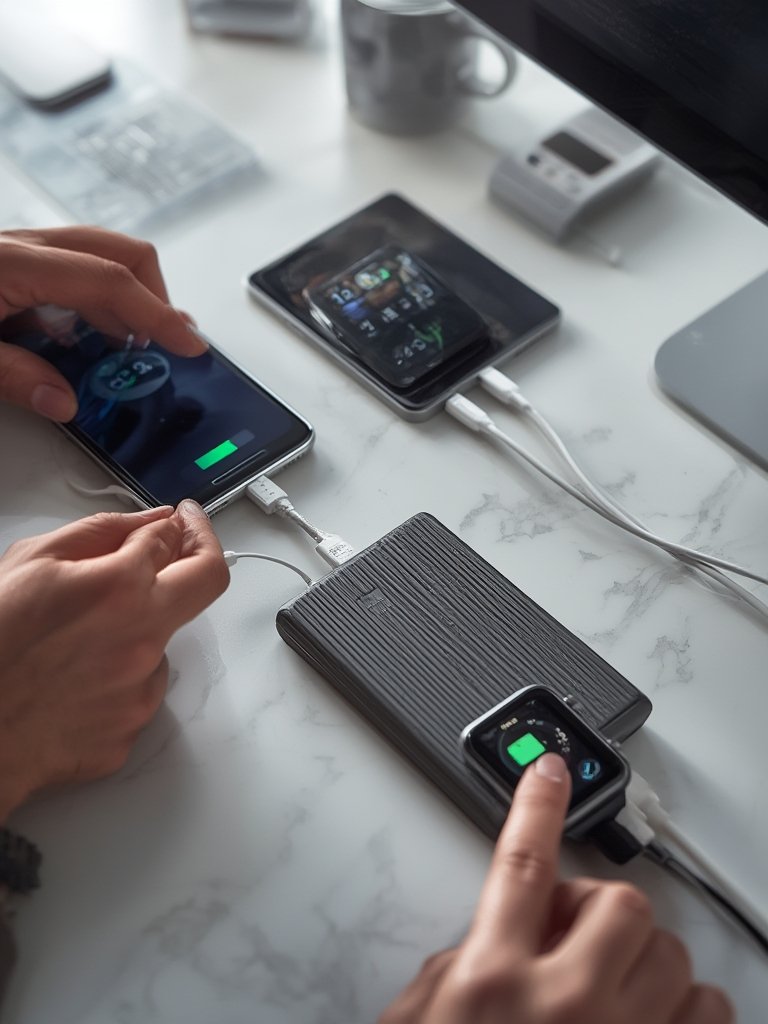
Still unsure which model is best? For gamers and travelers prioritizing the Nintendo Switch, a charging case with built-in power can add even more convenience, eliminating the need for a separate bank altogether.
Value-added features that justify spending more on major brands include solar charging for the outdoors, wireless charging pads, rugged designs for road trips, and reliable after-sales support. Not sure if you want to tote a bank every day? Minimizing drops with a case with kickstand or a stylish anti-drop phone strap can be just as important for usability.
Advanced Analysis & Common Pitfalls
Even the best multi-device power banks are not without issues. Let’s break down major pitfalls, realistic real-world scenarios, and what competitor articles often miss.
- Bulkiness and Portability: Banks above 20,000mAh quickly get large and heavy, bordering on impractical for carrying in your pocket or slim bag. Most users are best served by smaller (10,000mAh–20,000mAh) designs, unless charging laptops or multiple tablets for all-day events.
- Charging Speed Variability: Power banks promise fast charging, but real output varies by model. Cheaper units may not deliver true PD wattage, slowing down refueling especially for flagship phones or tablets.
- Inefficient Pass-Through Charging: When recharging your bank and devices at once, efficiency drops 10–20% due to conversion losses and heat. This means your bank might run out sooner than rated, especially during travel marathons.source
- Safety Concerns on Cheap Models: Low-quality batteries risk overheating, capacity fade, and inconsistent charging. Only buy power banks with certified safety chips and real reviews.
- Overheating in Extended High-Wattage Use: Prolonged charging of flagships or laptops via PD output stresses cheaper banks. Without cooling or smart thermal management, these units may throttle or shut off to prevent hazards.
- Compliance and Travel Limits: Air travel rules typically cap batteries at 100Wh (roughly 27,000mAh at 3.7V) in carry-on bags. Always confirm your bank’s Wh rating before flying to avoid confiscation.
- Inconsistent Multi-Port Output: Some power banks divide total output when two or more ports are used, dramatically lowering charging speed per device. Higher-quality models maintain fast charging on all ports—vital for simultaneous phone and tablet use.
| Feature | Entry-Level Bank | Premium USB-C PD Bank (e.g., Anker) |
|---|---|---|
| True Output Wattage | 10-18W (often less than claimed) | 20-65W real PD (as advertised) |
| Multi-Device Support | 1-2 ports; splits power | 2–4 ports; full speed all ports |
| Pass-Through Charging | Rare or inefficient | Yes, with minimal efficiency loss |
| Heat/Safety Management | Minimal or absent | Smart chips; thermal shutdown |
| Advanced Features | None or basic | Wireless/solar/waterproof/rugged |
| Price Range (2024) | $15–$35 | $35–$100+ |
Real-World Charging Times (2024)
Leading high-capacity USB-C PD banks can charge newer flagships like the iPhone 15 or Galaxy S24 to 50% in 30–60 minutes, mirroring OEM fast chargers (source). Actual times vary with cable, port selection, and device compatibility, but real fast charging is only reliable on premium models. Cheaper power banks take much longer—often 90 minutes or more for the same task—and may lack support for newer charging protocols.

Conclusion
Modern device users cannot afford power anxiety—especially now that remote work, 24/7 travel, and portable gaming are standard. A quality Multi-Device Power Bank is more than just a “backup battery.” Choosing the right one means understanding your real-world needs, prioritizing advanced features over hyped capacities, and avoiding unreliable models that let you down when you need power most.
Compare true output specs, safety certifications, and value-adds before buying. For the best daily experience, pair a top-tier multi-device power bank with practical accessories like a wireless charging stand or magnetic car mount. Ready to eliminate charging stress for good? Invest in a high-quality multi-device bank and upgrade your gear today.
FAQ
How many devices can I safely charge at once with a multi-device power bank?
It depends on your power bank’s output specs. Quality models with multiple ports (including USB-C PD) can charge 3–4 devices simultaneously at full speed. Entry-level banks often split wattage over ports, reducing speed and efficiency. Always check total output before connecting more than two devices.
Can I use my high-capacity power bank for laptops or Nintendo Switch?
Absolutely. Just ensure your model supports USB-C PD output of at least 30W (for Switch) or 45–65W (for most laptops). All-in-one charging cases for Switch may be a better fit for frequent gaming travel.
What’s the safest way to carry a large power bank for air travel?
Always keep your power bank in your carry-on, not checked baggage. Make sure its watt-hour (Wh) rating is under airline limits (typically 100Wh/27,000mAh). Attach a label or print specs if needed for security checks.
Why does my power bank lose capacity or get hot when charging multiple devices?
Heat and conversion loss are inherent to high-wattage or pass-through charging. Quality banks minimize this with safety chips and proper engineering. If your unit feels unsafe or is rapidly declining, upgrade to a certified model from a reputable brand.
What value-add features should I look for beyond basic charging?
Look for wireless charging pads, solar panels for outdoor use, rugged or waterproof designs for travel, and smart protections. These features justify premium prices and differentiate the best models.