

Gaming Phone Cooler demand is surging in 2024 as mobile gaming heats up, literally and figuratively. For competitive players and streamers, phone overheating isn’t just an annoyance—it can throttle frame rates, trigger random shutdowns, and even shorten device lifespan. This guide cuts through industry noise with hard market data, actionable advice, and essential warnings so you get real results, not just marketing hype.
Key Takeaways
- The global gaming phone cooler market is projected to reach over USD 1.9 billion by 2030, with China leading both production and adoption (source).
- Objective lab data, precise compatibility guidance, and safety risk details are almost never covered in “best cooler” roundups—a risky gap for buyers and affiliates alike.
- Without clear test specs or top models, success depends on fit, correct setup, and awareness of real-world pitfalls like case conflicts and condensation risks.
- The Core Concept: What Is a Gaming Phone Cooler and Why Does It Matter?
- Step-by-Step Guide: Choosing, Mounting, and Powering Your Cooling Fan the Right Way
- Advanced Analysis & Common Pitfalls: What Most Articles Miss
- Conclusion
- FAQ Section
The Core Concept: What Is a Gaming Phone Cooler and Why Does It Matter?
A gaming phone cooler is a dedicated accessory—usually a clip-on or magnetic USB-C powered fan, sometimes with thermoelectric elements—designed to prevent your smartphone from overheating during extended or high-performance mobile gaming. Overheating causes immediate headaches: frame drops, thermal throttling, in-game lag, touch screen delays, and sometimes even device shutdowns. Longer term, chronic heat exposure can weaken your battery and damage internal components.
2024 market data shows spike in usage among streamers, pro-level gamers, and anyone running demanding titles such as Genshin Impact or Call of Duty Mobile. With mobile phone cooler sales expected to pass $1.91 billion internationally by 2030 (ResearchAndMarkets), these tools are now mainstream picks for gaming-optimized setups—right next to multiport GaN chargers and high-capacity power banks. However, picking (and setting up) a cooler isn’t always as easy as it looks.
Step-by-Step Guide: Choosing, Mounting, and Powering Your Cooling Fan the Right Way
Proper installation and usage are essential—otherwise, the best-rated gaming phone cooler risks becoming a dust collector, or worse, triggers warranty-voiding condensation issues.
- Choose the Right Cooling Type for Your Gaming Needs
- Fan-Only Coolers: Budget-friendly, light, low power draw (StrategicRevenueInsights); minimal risk, but limited cooling for ultra-demanding games.
- Thermoelectric (Peltier) Coolers: Deliver 8–15°C faster drops, but require 5V/2A USB-C and risk condensation if used in humid air or for extra-long sessions.
- Confirm Compatibility: Phone Size, Case, and USB-C/Camera Layout
- Clamp/Magnetic Width: Double-check the max supported width—many coolers top out around 80mm, excluding thick rugged kickstand cases.
- USB-C Placement: Fans with power passthrough can block bottom ports or charge cables. Pay special attention if using a multiport charger or mobile streaming rig.
- Camera Bump Interference: Oversize cameras (Pixel Pro, S23 Ultra, iPhone 15 Pro Max) can alter airflow, so check reviews or demo videos for your exact model.
- Mount Securely and Safely
- Clean both phone and mounting surfaces before attaching any cooling plate—grit or oil reduces grip, leading to accidental drops or slippage (see also phone wrist straps for layered protection).
- Avoid overtightening clamps—too much force can stress rear glass or warp thinner gaming phones.
- Connect Power (USB-C) and Test Cooling Performance
- Plug the cooler into a dedicated 5V/2A port. Do not “daisy-chain” with other devices—voltage drops increase both noise and performance loss.
- For units with passthrough charging, check for game lag or touchscreen errors—these are signs of USB-PD handshake interference (StrategicRevenueInsights).
- If the phone surface doesn’t get noticeably cooler in 30 seconds, reseat the attachment or try the next lower fan speed to avoid excess noise and battery drain.
- Routine Maintenance
- Every few sessions, use compressed air to clear dust from fan blades and heat exchange vents. Build-up can spike noise and slash cooling power.
- Check USB-C contacts for grime or corrosion—occasional “deep cleans” help prevent random disconnects mid-game or during tournaments.
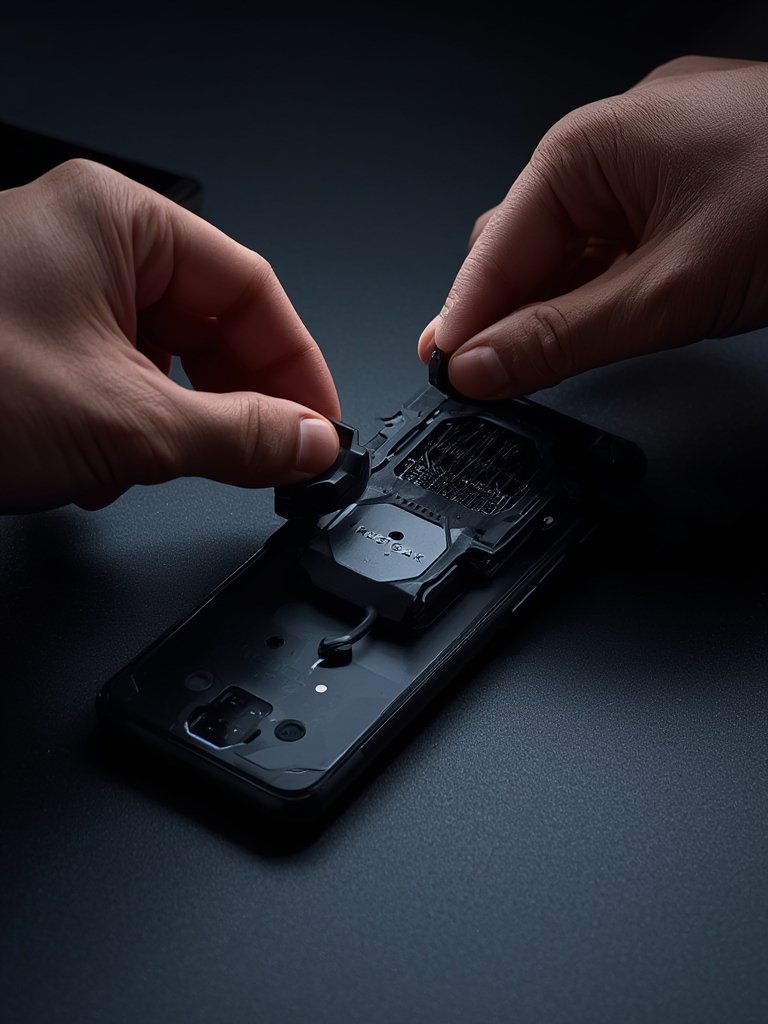
For long-session power users, pairing your cooler with a wireless charging stand or a dedicated Switch charging case can prevent forced pauses due to battery depletion or awkward cable routing.
Advanced Analysis & Common Pitfalls: What Most Articles Miss
Most “top cooler” guides ignore or gloss over hidden risks—some of which can void warranties or cause long-term damage. With little reliable lab data available, informed buyers must watch for:
- Lack of Objective Performance Data: Few brands publish true temperature drop numbers (°C), noise data (dB at 30 cm), or airflow (CFM). Most claims are hard to verify. If you see claims above 15°C cooling on a phone, assume exaggeration unless accompanied by log screenshots from reputable testers.
- USB-C PD/Charging Conflicts: Some USB-C coolers, especially with passthrough charging, cause handshake errors with “smart” chargers, yielding slow charge or gamepad disconnections. This is rarely disclosed in marketing copy.
- Condensation Risk (Device Damage): Peltier/thermoelectric coolers draw heat so quickly that the rear of the phone can ‘sweat’ if used in humid rooms, risking internal corrosion. No reliable statistics on device failures, but user forums show sporadic incidents (with loss of warranty support).
- Poor Case Compatibility: Thick or textured cases defeat the cooling effect. Some attach only to bare-backed phones—users of rugged or kickstand cases must remove the case every session, risking drops and lost convenience features.
| Cooler Type | Typical Max Cooling (°C drop) | Noise Level (dB) | Condensation Risk | Best Use Case |
|---|---|---|---|---|
| Fan-Only | 5–8°C | 32–40 dB | Low | Short (<1 hr) sessions, budget gaming |
| Thermoelectric (Peltier) | 8–15°C | 35–52 dB | High (especially in humid rooms) | Long, competitive, or streaming sessions |
- Safety and Regulatory Blind Spots: Research found no official reports of required CE/FCC/UL/RoHS certifications or warranty terms from major brands (Valuates Reports). Without these, buyers shoulder added risk for power surges, overheating, or support issues.
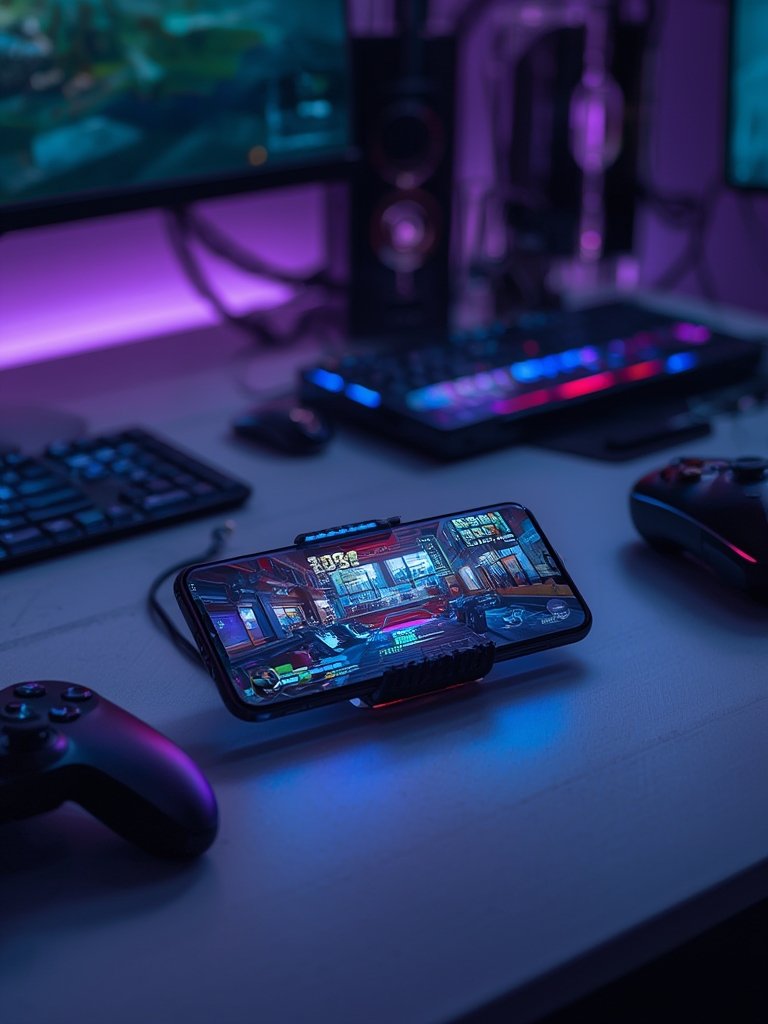
Don’t overlook smaller tweaks: use a phone wrist lanyard if you’re forced to play without a case, and always make sure your power source is up to the task—especially when pairing with a MagSafe accessory or other USB-C gear.
Conclusion
The gaming phone cooler market is evolving rapidly. Rising heat from powerful chipsets and competitive play drives new designs, but hidden pitfalls remain: vague specs, risky condensation, and charger conflicts aren’t going away. The key is understanding your device, setup, and power needs before choosing and mounting a cooler. Always prioritize fit, safety, and real-world performance over marketing claims. If you’re serious about safe, uninterrupted mobile gaming, now is the time to try a purpose-built Gaming Phone Cooler—just make sure you’ve double-checked compatibility and support.
Ready to get started? Browse the latest models and setup guides, and don’t forget to combine your cooling solution with layered protection such as phone wrist straps and a reliable multiport GaN charger.
FAQ Section
Do gaming phone coolers really work for heavy 3D games?
Yes, reputable fan or thermoelectric-based gaming phone coolers lower surface and internal temperatures—often by 8–12°C. This reduces thermal throttling and helps maintain higher, more stable frame rates during graphically demanding titles. Lab-verified numbers will give you the best picture, but always check compatibility.
What types of phones are usually incompatible with gaming phone coolers?
Phones with thick or rugged cases, prominent camera bumps (e.g., some Pixel, Galaxy Ultra, or iPhone Pro Max models), or unique rear curves are most likely to face fit problems. Always check the mount style and width, and avoid clamps on very thin glass-back phones that are prone to cracking.
Is there any risk of condensation or device damage when using a Peltier cooler?
Yes, using a high-powered thermoelectric (Peltier) cooler in humid rooms or for extended sessions can create condensation. This might corrode internals or void your warranty. Limit session length and avoid humid environments to minimize risk.
Can I use my phone case with a gaming phone cooler?
Thin, hard-shell cases sometimes work, but most coolers require direct contact for effective cooling. Thick, textured, or rugged cases should be removed to prevent airflow blockage and weak heat transfer.
Are there safety certifications or warranty protection on most coolers?
Not consistently. Most coolers are manufactured in Asia, and few disclose certifications like CE, FCC, or UL. Warranty coverage varies widely, so buy from brands with clearly stated return and support policies.