

### Blog Post:
Bluetooth Car Adapter (AUX / FM) options have made it possible for drivers of older vehicles to wirelessly stream music and make hands-free calls—without replacing the entire stereo. If you’re frustrated by tangled wires, outdated factory sound, or FM-only head units, here’s the realistic, up-to-date guide to making your car finally feel modern—without over-promising or hiding the real pros and cons.
Key Takeaways
- The global market for Bluetooth car adapters (AUX/FM) is projected to surpass USD 2.8 billion, mainly driven by retrofitting older vehicles worldwide.
- Choosing between AUX and FM adapters depends heavily on your car’s audio input options and your expectations for audio quality and stability.
- Some interference, connection drops, and compatibility challenges are common—knowing the installation basics and real-world pitfalls is key before you buy.
- What Are Bluetooth Car Adapters (AUX / FM) and Who Needs Them?
- How To Add Bluetooth To Older Car Stereos: Step by Step
- Problems, Pitfalls, and What The Data Actually Says
- Conclusion: Should You Buy a Bluetooth Car Adapter?
- FAQ
What Are Bluetooth Car Adapters (AUX / FM) and Who Needs Them?
Bluetoooth car adapters upgrade cars that lack factory wireless audio streaming. They connect a phone or device via Bluetooth, then transmit the sound to your car’s existing stereo through either the AUX port (if present) or by broadcasting to your FM radio.
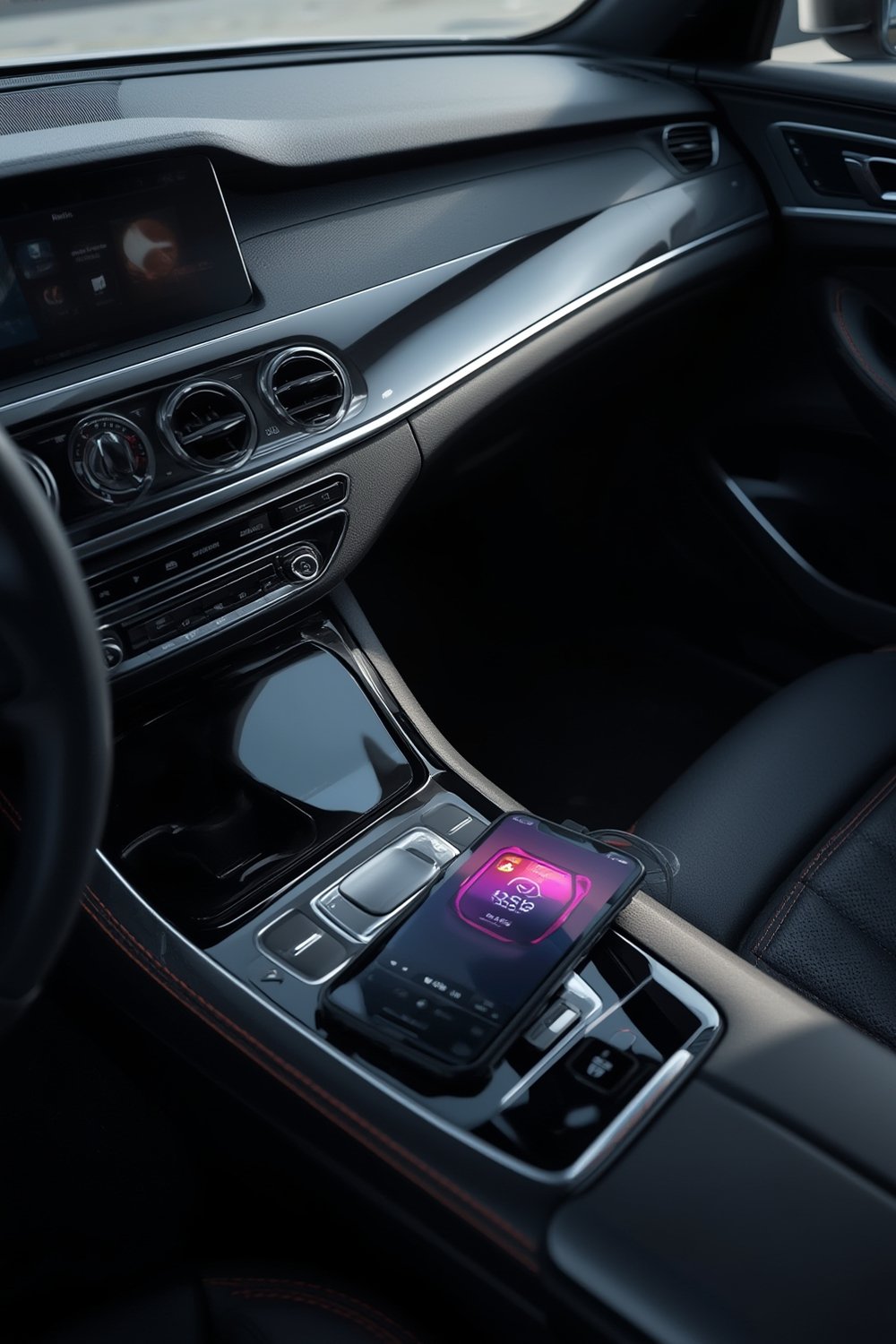
There are two main types:
- AUX Bluetooth Adapters: Plug into the car’s AUX in port; provide more reliable, higher-quality sound. Ideal for any vehicle with a 3.5 mm AUX jack—often found in models from 2005 and up.
- FM Bluetooth Transmitters: Plug into 12V/cigarette lighter, pair with your device, and broadcast on an FM frequency to your car radio. Usually the only choice if your car only has a CD or cassette player and no AUX input—common in vehicles made before 2005.
With a Bluetooth car adapter, you can stream music, podcasts, audiobooks, and take hands-free calls without replacing your head unit. Given the large base of vehicles (especially in North America and Europe) built before Bluetooth became standard, demand for these devices is strong. Recent market research projects the global market at $1.2 to $2.14 billion in 2024, expanding fast thanks to growth in both the US and China.
Still, some pain points exist: basic FM adapters tend to get static or interference, especially in metro areas, and hands-free calls may sound poor. AUX adapters are often better for sound, but only if your car has the right input. Not all adapters are compatible with every car or smartphone.
For deeper insights on new mobile accessories, see our guide to phone wrist straps.
How To Add Bluetooth To Older Car Stereos: Step by Step
Here’s exactly how to retrofit Bluetooth audio into your car, even if it’s over 20 years old. These steps apply whether you’re using an AUX or FM model.
- Identify your car’s audio inputs. Look for an AUX jack, USB port, or only a radio/cassette player. No AUX? You’ll need an FM Bluetooth Transmitter model.
- Choose your adapter: For best sound, always prefer an AUX Bluetooth adapter if possible. If not, select an FM Bluetooth transmitter with adjustable frequency and clear display.
- Plug in and power up: AUX adapters plug into the AUX port and may need USB or 12V power. FM transmitters usually plug into the car’s 12V outlet (cigarette lighter).
- Pair your phone: Enable Bluetooth on your phone. Pair with the adapter (often called “BT CAR” or the brand’s name). On FM units, set both the adapter and your car radio to the same unused frequency.
- Test and optimize sound: Adjust volume on both your phone and stereo. If you hear distortion or hiss, lower one or both volumes. For FM, try alternative quiet frequencies if static persists.
- For hands-free calls: Most adapters include a built-in mic for calls. Place the unit as close to your mouth as the wiring allows. TIP: For better call quality, roll up windows to cut wind noise during calls.
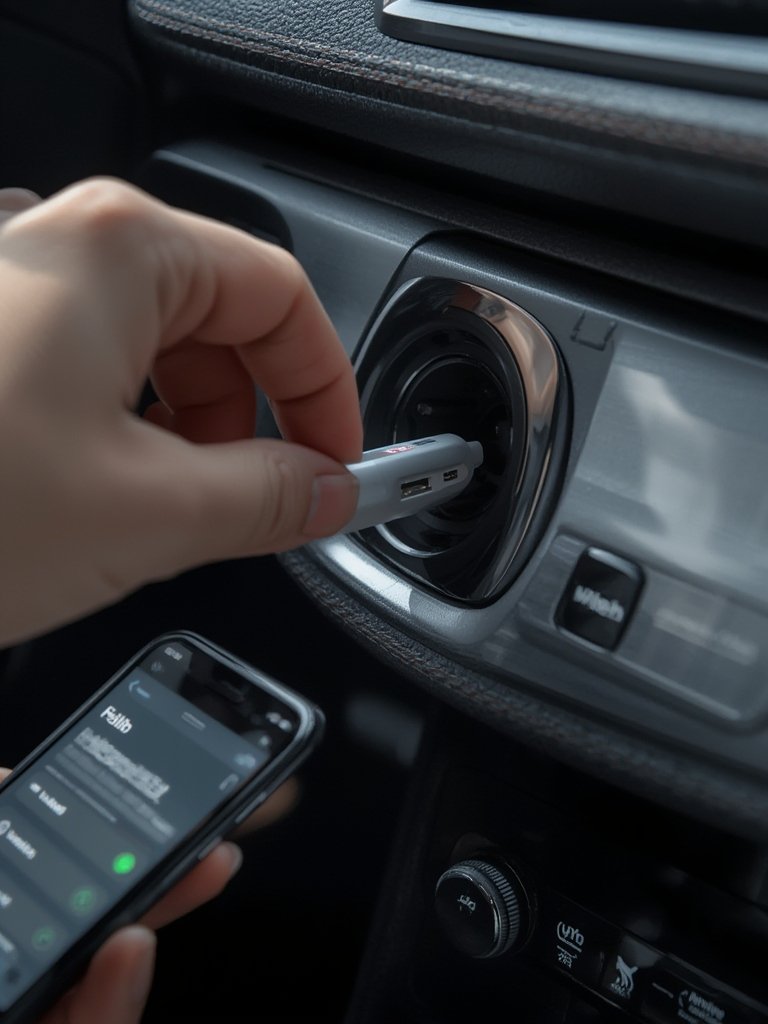
With installation complete, do a full test: Play audio, take or place a call, and check for audio dropouts or loud static. If problems persist, try repositioning the adapter or, in the case of FM, changing the frequency and relocating power plug for less electrical noise.
Looking for guides on related in-car tech? Don’t miss our magnetic car phone mount tips for streamlined mobile navigation.
Problems, Pitfalls, and What The Data Actually Says
Before you spend money, it’s smart to be realistic. There’s a reason Bluetooth car adapters get mixed reviews—especially FM transmitters. Here’s what our research and actual user reports reveal:
- Sound Quality Can Vary Significantly: AUX adapters (if your car has the port) almost always deliver cleaner audio than FM models. FM transmitters are often plagued by radio static and static or interference, especially near cities.
- Connectivity Issues: All low-cost adapters may drop connection if you unplug, turn off the ignition, or move your phone far from the module. Cheap models may not auto-reconnect reliably.
- Microphone Limitations: Even pricier units have small, distant mics. Callers often report echo or muffled speech unless the adapter sits close to your mouth.
- Latency & Streaming Lags: Bluetooth (especially older versions) adds a small but noticeable delay—less of an issue for music, but problematic if using GPS voice or video calls. No adapters at this price point provide extremely low-latency codecs like aptX-LL.
- Car-Specific Quirks: Not all adapters play nicely with every car. Some aftermarket stereos or premium OEM head units (BMW, Mercedes, etc.) may block power or introduce more interference. Vintage electrical systems can cause humming with FM models.
Hard technical data like exact Bluetooth versions, supported codecs, input/output impedance, or verified battery specs is often missing from product listings. This lack of transparency means you should manage expectations and check warranty/return policies before buying.
| Feature | AUX Bluetooth Adapter | FM Bluetooth Transmitter |
|---|---|---|
| Requires AUX Input? | Yes | No |
| Audio Quality | High | Mid-Low; subject to FM noise |
| Hands-Free Calling | Yes (better if mic is close) | Yes (often muffled/faint mic) |
| Installation Simplicity | Easy if AUX present | Universal, just needs 12V |
| Typical Price Range | $10 – $35 | $12 – $40 |
| Known Issues | Limited by AUX quality; disconnects | Static, radio overlap, low mic quality |
Market research from Growth Market Reports shows momentum, but also exposes technology gaps, especially for older vehicles with unique wiring or grounding quirks. While China and Asia-Pacific are driving market growth, North America and Europe remain strong—largely because of the huge number of older cars still on the road. For further reading, see DataIntelo’s analysis of regional trends.
Visit our always-updated USB power solutions, ideal if your adapter needs USB power in the car.
Conclusion: Should You Buy a Bluetooth Car Adapter?
Retrofitting your car with a Bluetooth car adapter (AUX / FM) is the most affordable and flexible way to enjoy modern audio streaming in an old vehicle. For drivers who value clear sound and reliable hands-free calling, AUX-based adapters generally deliver the best results. FM transmitters work for almost every car—but be ready for some static or interference, especially in cities.
If streaming audio and safe calling are priorities, assess your car’s audio inputs, try a reputable brand, and keep expectations realistic for voice and FM performance. Want more no-nonsense gear picks? See our portable charging case recommendations for on-the-go electronics.
Ready to upgrade your drive? Explore today’s top-rated Bluetooth car adapters and see which option actually fits your vehicle before ordering.
FAQ
Can I use a Bluetooth car adapter in a vehicle without an AUX port?
Yes—FM Bluetooth transmitters work in vehicles that have a functioning radio and 12V power outlet. They transmit sound via FM radio frequency to your stereo, though sound quality may have static or interference compared to AUX adapters.
How do I fix static or poor audio on an FM Bluetooth transmitter?
Static is usually caused by interference from local radio stations or electrical noise. Switch to less-used FM frequencies (like 87.7 or 107.9 MHz), ensure tight fitting connections, and move power cords away from other electronics when possible.
Will Bluetooth audio adapters drain my car battery?
Not usually, as they use minimal power—especially when plugged into switched 12V outlets that only provide power when the ignition is on. Avoid leaving adapters plugged in for days with the engine off.
Is there any legal issue using FM transmitters in the US or Europe?
In most regions, FM transmitters are legal as long as they comply with local power and frequency regulations. The FCC in the US and CE/RED in Europe set limits—buy known brands to ensure compliance, as generic/unbranded units may exceed power limits.
Are Bluetooth car adapters compatible with my phone case or car mount?
Yes—Bluetooth adapters connect wirelessly, so phone case fit isn’t a problem. For phone mounts, see our wrist strap for phone and shockproof phone case with kickstand guides.