

Fast Wireless Charging Pad solutions let you power up your smartphone or earbuds by simply placing them on a pad—no cables required. In the last two years, adoption has accelerated, but buying the right model (and using it correctly) can be more confusing than it should be. If you want to avoid heat issues, slow charging, or wasted money, this guide is for you.
Key Takeaways
- Demand for fast wireless charging pads is booming globally, but real-world speed and compatibility vary more than spec sheets suggest.
- Many users face issues with phone alignment, overheating, and lack of reliable charging—solving these requires careful product choice and setup.
- The lack of transparency on technical specs, pricing, and safety certifications makes a hands-on, realistic approach to buying and using pads essential.
- What Is a Fast Wireless Charging Pad and Why Does It Matter?
- How to Use a Fast Wireless Charging Pad: Step-by-Step
- Advanced Analysis & Common Pitfalls
- Conclusion
- FAQ
What Is a Fast Wireless Charging Pad and Why Does It Matter?
Wireless charging pads use electromagnetic fields (Qi standard) to deliver power from a pad directly to your phone—no plug required. “Fast” models promise up to 15W output, charging your device at speeds comparable to wired chargers in ideal conditions. In reality, several variables affect actual speed: your phone’s make and firmware, pad’s coil design, case thickness, the wall adapter you use, and sometimes just how carefully you align the device on the pad.
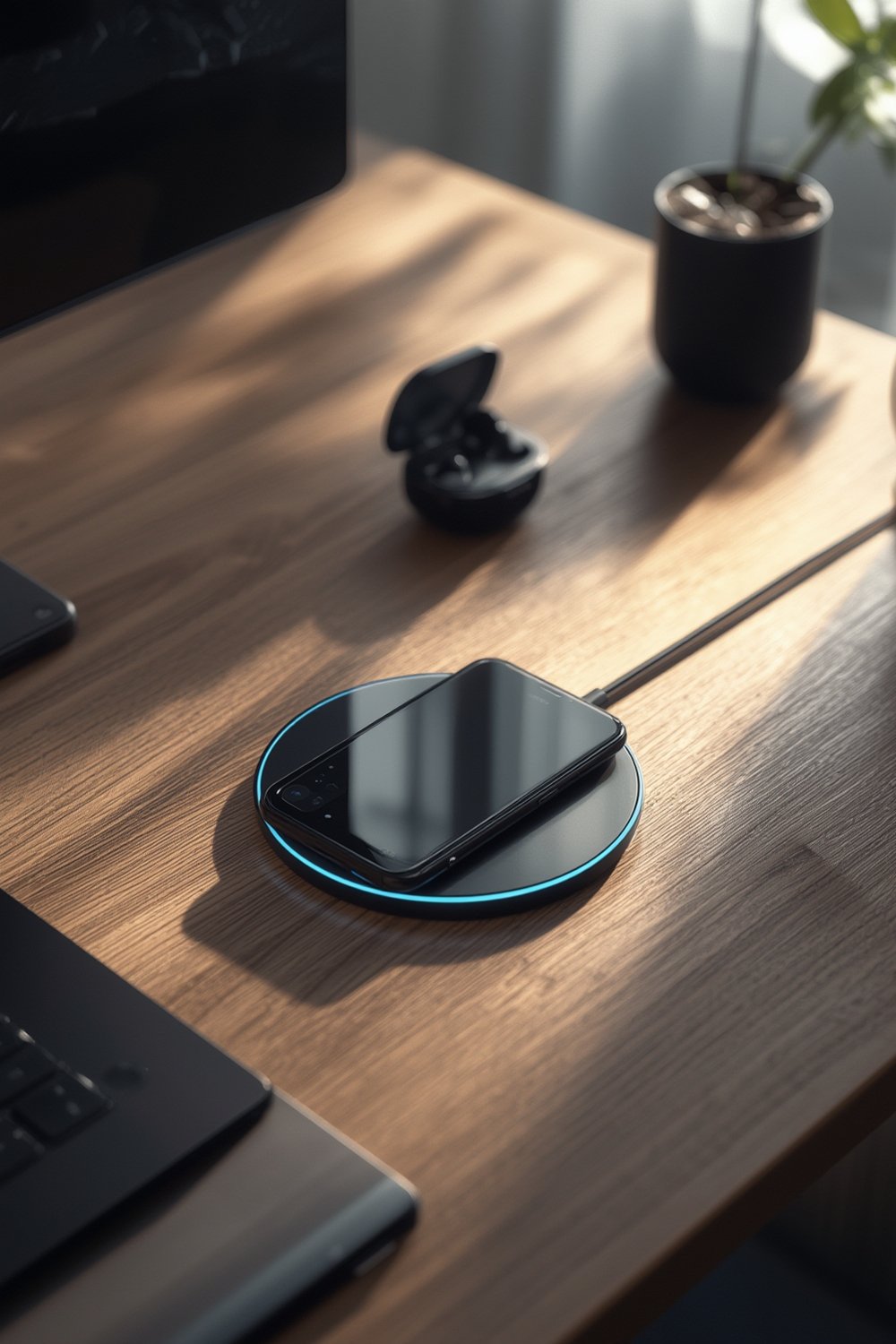
Interest in wireless charging has exploded. Industry data shows the global wireless charger market at upwards of $5.3 billion in 2024 and poised to triple in the next six years, with North America owning over 26% of the market and Asia-Pacific leading in growth (source). While top brands drive innovation, surprisingly little standardized data exists on real-world performance or even technical transparency.
Why care? Because wireless charging frees you from plug hassles and reduces wear on your phone’s charging port. If you rely on your phone for commuting, content creation, or gaming, persistent battery levels mean less anxiety when you’re out and about (and, if you combine your pad with a phone wrist lanyard, you’ll drop it less, too).
How to Use a Fast Wireless Charging Pad: Step-by-Step
Getting reliable fast wireless charging isn’t just about buying the fanciest-looking pad on Amazon. Here’s how to make sure you get the best speed and least trouble.
- Check device compatibility. Verify your phone’s wireless charging specs. Not all phones do 15W; for example, iPhones (even latest) often cap out at 7.5W unless using Apple MagSafe, while recent Samsung Galaxy S and Pixel models are 10-15W capable.
- Get a true fast-charging wall adapter. Most pads don’t include an adapter, and using a weak one renders your “fast” pad ordinary.
- Avoid thick or metal cases. Anything over 3mm, or with metal inserts (like ring holders), can stop charging or cause overheating. For a secure and stylish grip, combine it with an anti-drop phone strap designed for wireless charging.
- Place the pad on a stable, flat, non-metal surface. Avoid stacking pads or placing them on metal that can interfere with the magnetic field.
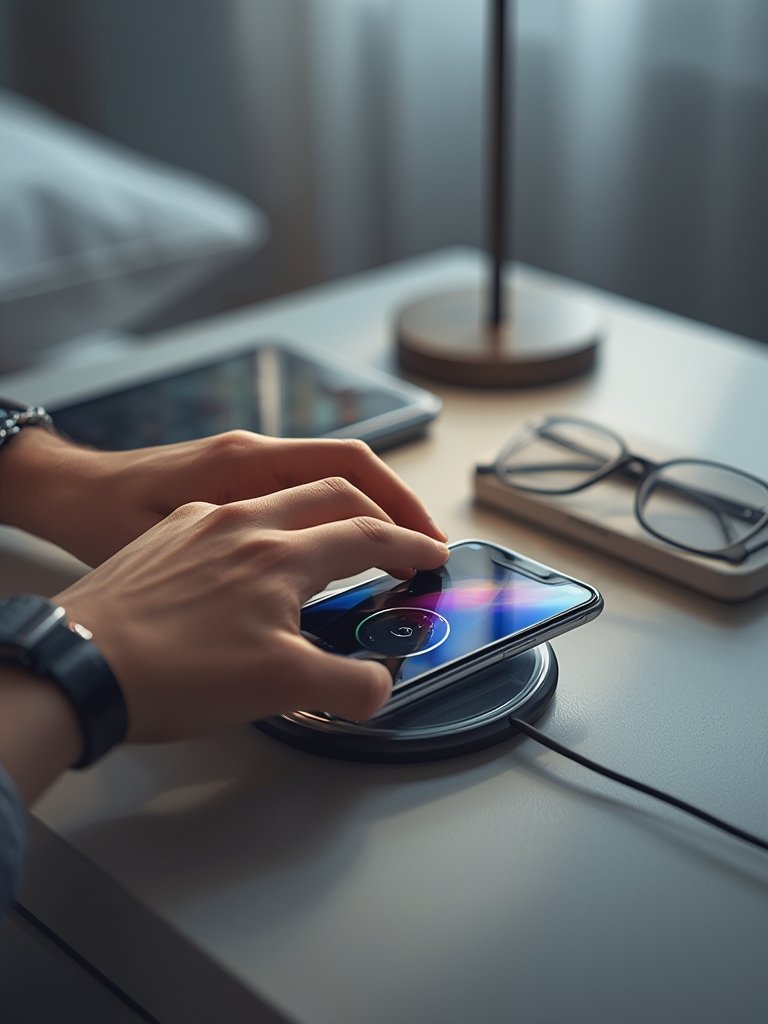
- Align carefully and check charging status. Some pads use dual coil designs to reduce the need for precise placement, but many require your phone to sit exactly over the coils. Watch for the phone’s charging animation, sound, or a status LED.
- Monitor initial temperature rise. The surface and the phone should get slightly warm, but excessive heat (too hot to touch) signals poor alignment or a bad pad/adapter combo.
- Avoid foreign objects on the pad. Coins, keys, or even credit cards can trigger safety features or, worse, overheat and damage your device.
- Charge time expectations. Expect up to 50% longer charging times versus the fastest wired options, especially as you approach a full battery. For the best overnight or desk setup, try a bedside wireless charging stand designed to avoid mis-alignment.
If you travel often, consider a GaN travel charger as your wall adapter—these are compact and ultra-reliable for powering fast wireless pads on the go.
Advanced Analysis & Common Pitfalls
Despite their popularity, fast wireless charging pads are not a “set and forget” solution. Real-world challenges you can expect include:
| Potential Problem | Likely Cause | What To Try |
|---|---|---|
| Very slow charging | Low-power wall adapter; phone not optimized for 15W wireless; bulk case | Use 18–25W PD/QC 3.0 adapter; remove thick case; check device’s max input |
| Stops charging randomly | Poor alignment; loose cable; foreign object detection (FOD) glitch | Realign phone; secure cable; clear pad surface |
| Overheating or hot phone/pad | Misalignment; using metal case; pad poorly ventilated | Adjust device position; use “case-friendly” pad; move pad to cool area |
| Incompatible with phone | Device not Qi-certified or limited to lower wattage | Check specs and user manual; shop for model-specific pad |
| Gets too noisy (buzzing/humming) | Cheap adapter; poor pad design; mismatched power | Upgrade to quality adapter; avoid “bargain” pads |
According to industry data, up to 30% of wireless charger shipments were rated “high-power” (up to 15W) as of 2022 (TechNavio). However, in public reviews and forums, buyers repeatedly report issues like:
- Having to “hunt” for a sweet spot (especially with single-coil pads)
- Charging lights or beeps not matching charging status (fooling users into thinking the phone is charging when it isn’t)
- Phones running hot when left overnight, sometimes causing the pad to cut off charging for safety (“thermal throttling”)
Below is what you won’t usually find in specs or ads, but matters in practice:
- Coil count and design: Multi-coil “dual coil” pads are more forgiving of misalignment, but often cost more and require higher-power adapters. Single coil is cheaper but fussy.
- Adapter requirements: Many fast pads require a PD/QC 3.0 wall adapter to unlock 15W; lower-watt adapters are capped at 5W or 7.5W, even if the pad is marketed as “15W.”
- Firmware & safety: There’s scant transparency on software or hardware-level protections. Play it safe—pads with Qi, FCC, CE, or UL markings are your best bet.
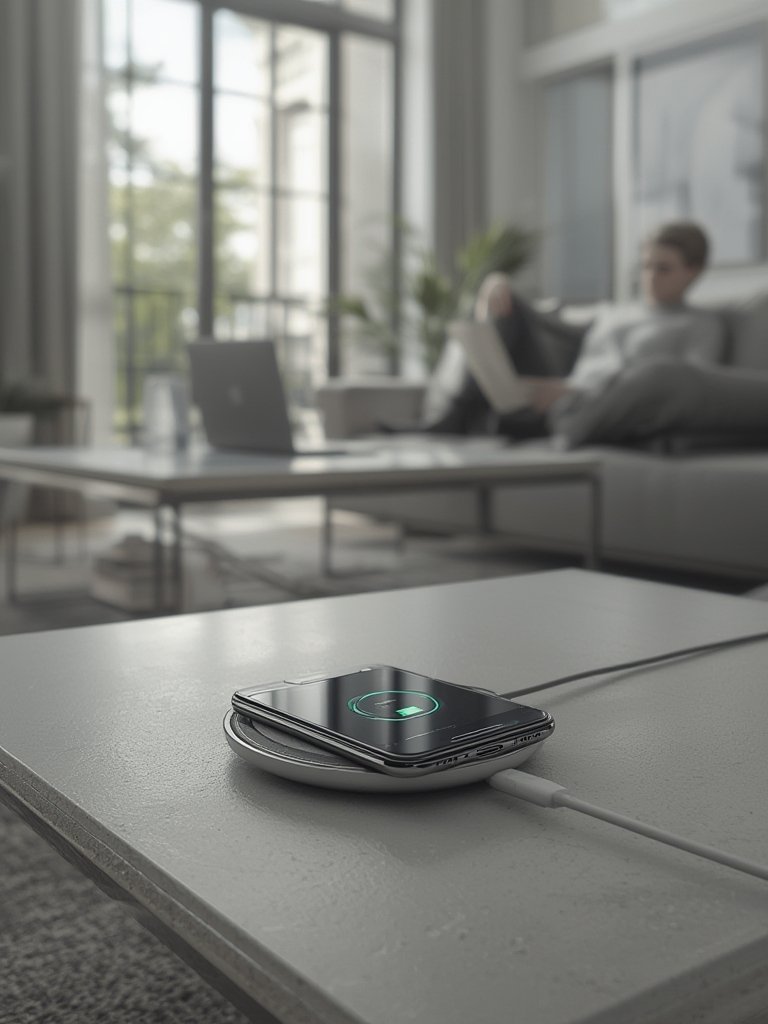
If charging reliability and efficiency matter to you (for example, you use high-powered multi-device power banks or cases with unusual features), research before you buy. Unfortunately, almost no brands publish real-world benchmarks (watts delivered to phone, charge times, temperature rise, thermal throttling profiles)—just theoretical maximums. That’s partly why more “premium” pads charge less efficiently than their claims, and why it’s wise to avoid the cheapest, no-name models.
Why Are Price and Specs So Opaque?
Unlike phone specifications or even Nintendo Switch charging cases, wireless pad specs are rarely transparent. We found no verified public data on street prices, bill of materials, or expected gross margins. What’s clear: dual coil, anti-slip, or multi-device pads often cost 25-50% more and are priced premium on Amazon and big box stores. However, price doesn’t always equal better performance. If possible, buy from authorized dealers who will honor returns in case your phone or accessories present issues.
Regulation and Safety: The Facts
In 2024, there are no widely reported recalls for 15W pads. Still, for safety, stick to pads listed as Qi-certified, FCC, CE, or UL-compliant, even if this isn’t emphasized in every ad. Water resistance is rarely specified (few pads have real IP ratings), so keep them away from spilled drinks. The only device-family verified to accept a full 15W wireless charge in 2024 is the Samsung Galaxy S22 series; most iPhones max below 15W unless specifically stated (source).
Combining With Other Accessories
If you often swap between wireless pad charging and other accessories, make sure your eco-friendly phone cases and strap attachments are verified “wireless charge compatible”—or risk “charging interrupted” headaches.
Conclusion
A Fast Wireless Charging Pad can make daily life more convenient—if you match it to your phone model, use a proper adapter, and avoid placement mistakes. For top charging speeds and safety, prioritize pads branded with Qi and safety certifications, invest in a strong PD/QC adapter, and keep your gear clutter-free and aligned. Want maximum charging reliability? Always double-check compatibility tables, or consider a wireless stand for overnight use. Get started by reviewing your current gear, and upgrade intelligently—your phone battery and peace of mind will thank you.
FAQ
Can all phones use fast wireless charging pads at 15W?
No, only some models (like Samsung Galaxy S22 and select Pixels) support full 15W Qi charging. Most iPhones (even the latest) top out at 7.5W unless MagSafe is specifically used.
Will my phone heat up or get damaged using a fast wireless pad?
Mild warming is normal. Excess heat (uncomfortable to touch) can indicate misalignment, a thick/metal case, or a cheap pad. Always use certified pads and recommended adapters for safety.
Can I charge through my phone case?
Yes, if your case is less than 3mm thick and doesn’t contain metal/magnets over the coil area. Bulkier or metal-backed cases can cause charging problems or slowdowns.
What’s the difference between single coil and dual coil wireless charging pads?
Dual coil pads are more forgiving on placement and let you charge larger devices (or more than one device at once, in some cases). Single coil pads are cheaper but fussier about alignment.
How do I get the fastest wireless charging speeds?
Use a certified PD/QC 3.0 or 18–25W wall adapter, a high-quality pad, and ensure your phone and case are compatible with 15W wireless charging. Center the phone on the pad and confirm charging status every time.