

Wireless Charging Stand technology has rapidly become a staple for anyone seeking clutter-free, fast, and convenient device charging—especially for iPhone and Android smartphones in 2024. But what should you really know before investing in a wireless charging solution for your nightstand or desk?
Key Takeaways
- The global wireless charging stand market is expanding at an annual rate of 11% to 22%, powered by surging demand for Qi-compatible iPhones and Androids.
- Common buying pain points still include inconsistent device compatibility and charging speed, with a lack of transparency around long-term battery impact.
- To maximize charging efficiency, always ensure your stand is Qi-certified and matches your device’s specific power requirements.
- What Is a Wireless Charging Stand and Why Choose One?
- How to Choose & Use a Wireless Charging Stand
- Advanced Analysis: Pitfalls, Compatibility & Trends in 2024
- Conclusion
- Frequently Asked Questions
What Is a Wireless Charging Stand and Why Choose One?
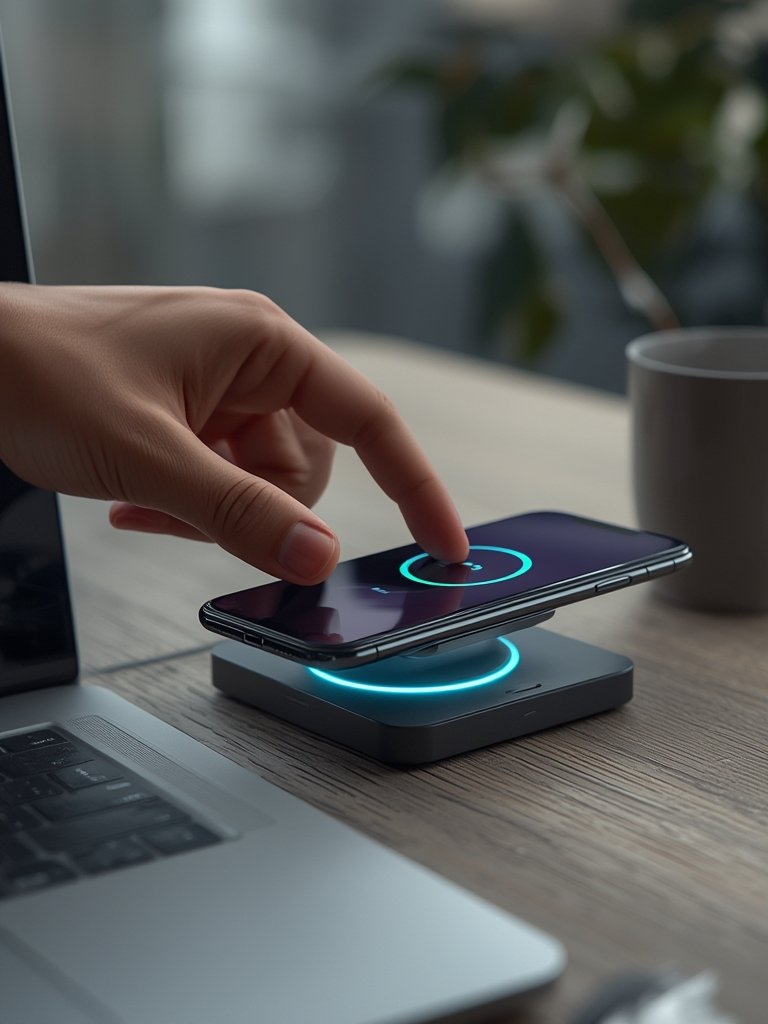
A wireless charging stand is a functional accessory designed to recharge your smartphone, earbuds, or wearables using electromagnetic induction instead of cables. Most stands use the Qi standard, the globally recognized wireless power specification embraced by leading brands, including Apple and Samsung. The device simply rests on the stand—charging begins automatically, eliminating cord clutter and cable damage over time.
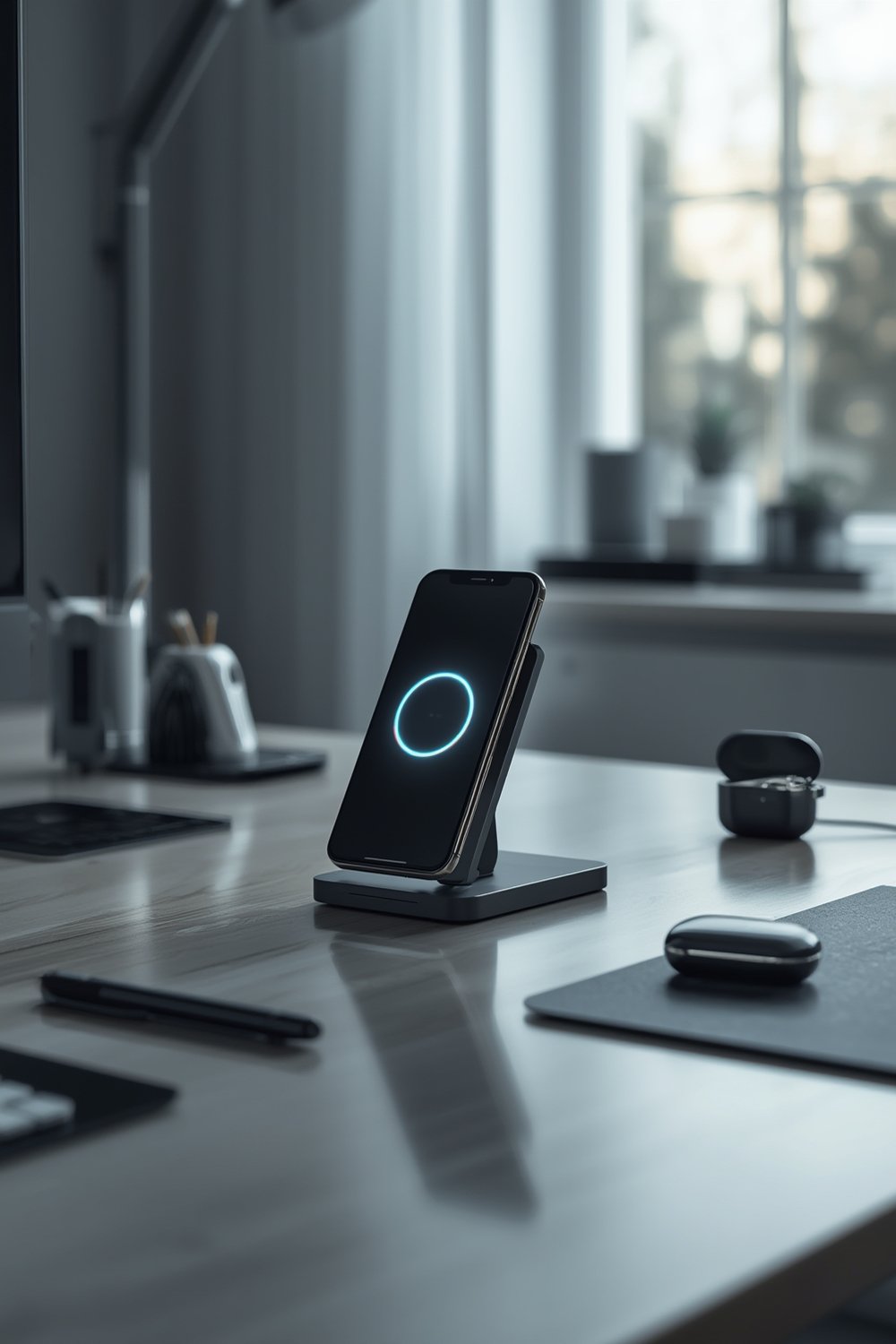
Choosing a wireless charging stand gives you ergonomic advantages—a perfect nightstand solution that lets you check notifications, alarms, or time at a glance. You also avoid unnecessary wear on your smartphone charging port. For busy users who value fast charging and a minimalist setup, investing in a reliable Qi wireless charging stand is a practical step toward future-proofing your charging routine. Industry data supports this shift: in 2024, charging stands (and pads) captured the largest share of the wireless charging market, led by explosive demand for Qi-compatible phones and devices (MarketsandMarkets).
How to Choose & Use a Wireless Charging Stand
The market for wireless charging stands in 2024 is crowded, so finding the perfect model for your iPhone or Android isn’t as simple as picking the one with the highest wattage. Follow these steps for a smooth, frustration-free experience.
Step 1: Identify Your Device’s Fastest Supported Wireless Charging Speed
Not all devices support the same wireless charging speeds. For example, while some recent iPhones cap at 7.5W with regular Qi chargers (15W only with MagSafe models), many Android phones support up to 10W or 15W. Match your stand’s output to your phone’s max input for optimal results.
Step 2: Check Official Qi Certification and Build Quality
Cheap, uncertified chargers risk overheating or damaging your battery. Go for models that list “Qi-certified,” often stamped on the box or listing. Brands like Belkin, Anker, and Samsung regularly certify their key products, meeting global safety requirements.
Step 3: Consider Stand Design and Ergonomics
Stands come in upright and lay-flat designs. Upright is best for desks/nightstands (for easy viewing), while flat models are more portable. Choose a stand with rubberized padding and weighty stability, especially if you will be using it heavily.
Step 4: Evaluate Portability for Travel and Dual-Device Support
If you need a wireless charging solution for both travel and home, select a folding or lightweight model. For Apple users, look for stands that support both your iPhone and AirPods. Some stands even handle three devices (phone, watch, earbuds) at once.
Step 5: Mind Real-World Compatibility (With Cases and Accessories)
Most Qi charging stands work through cases up to 3–5mm thick, but metal cases or magnetic accessories can interrupt power transfer. For best results, use a shockproof phone case that advertises wireless charging compatibility.
Step 6: Set Up at the Right Location
Place your charging stand where you intuitively place your device—like a nightstand, office desk, or entryway table. Avoid stacking anything on the charging area, and keep liquids well away to prevent electrical shorts.
Step 7: Troubleshoot Common Issues
- Device getting hot? Remove the case or check for metal objects.
- Charging isn’t starting? Realign the device on the charging coil.
- Charging slow? Use a higher-rated USB power adapter (wall brick).
If you travel often or use other gear like the 65W GaN Travel Charger, consider a stand that supports both wireless and wired fast charging—giving you flexibility on the go.
Step 8: Prioritize Nightstand Features
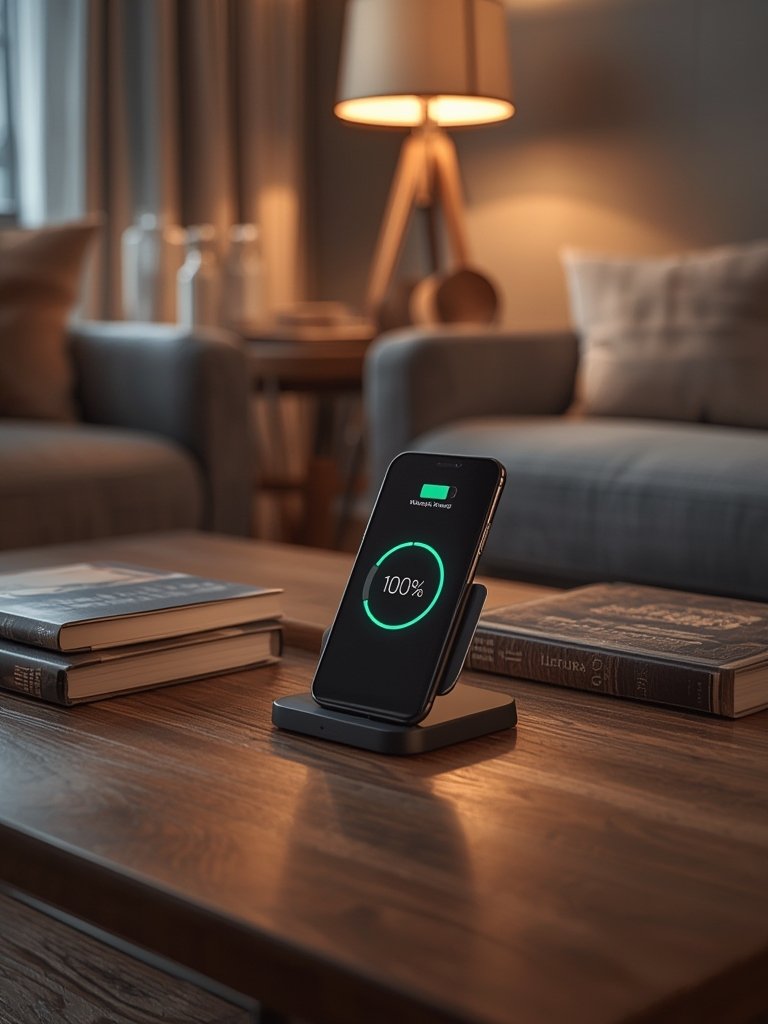
Seek nightstand-friendly features: subtle LEDs, non-slip feet, and a design that keeps the phone upright. This makes it easier to check the time or turn off alarms in the middle of the night. For more on anti-drop solutions, see the Phone Wrist Strap Guide.
Step 9: Research ‘Best For You’ Instead of ‘Best Overall’
The best charging stand is the one that fits your lifestyle and devices, not just editor picks. For multi-device households, look for medium size and versatile units—some are reviewed here.
Advanced Analysis: Pitfalls, Compatibility & Trends in 2024
Despite the obvious benefits, users and reviewers have noted several realistic challenges and pitfalls associated with wireless charging stands:
Common Pitfalls With Wireless Charging Stands
| Potential Issue | Why It Happens | Actionable Solution |
|---|---|---|
| Inconsistent Compatibility | Not all devices and cases support Qi charging, or power level is mismatched. | Check both your phone model and your case. Only buy Qi-certified gear. For safe picks, compare case specs here. |
| Slow Charging Speed | Device or charger is limited to lower wattage; power adapter may be underpowered. | Choose a stand that meets your device’s max supported wattage; use the original or high-quality charger brick. |
| Phone or Stand Overheats | Long sessions, case interference, or poor stand ventilation. | Remove heavy cases; ensure your stand uses thermal safeguards; don’t place in direct sunlight. |
| Bedside Usability Issues | Bright LEDs can disrupt sleep, or stand is unstable. | Pick models with night mode or dimmable indicators; test stability before regular use. |
| Long-Term Battery Health Concerns | Constant trickle charge may shorten battery life if left on overnight every night. | Avoid keeping your device on the stand at 100% charge for days. Let your phone rest unplugged sometimes. For travel, consider the Nintendo Switch Charging Case Guide for lessons on power management. |
Price Ranges and What Drives Cost Differences
- Basic Qi-certified stands: $15–$35
- Dual or triple-device stands: $40–$80
- Premium design, high-wattage, or MagSafe models: $80–$150
Prices rise for stands with multiple coils (faster, less sensitive to placement), cooling fans, premium aesthetics, or advanced certification. Cheaper models often compromise on charging consistency or safety.
Industry Trends Backed by Market Data
The wireless charging stand segment is projected to surge at over 20% CAGR through 2029, with Asia Pacific accounting for over half the market by 2025—fueled by smartphone upgrades and the demand for seamless charging (GrandViewResearch, IMARC). Inductive Qi is the dominant method; always confirm your model supports this protocol.
Unanswered Questions Competitors Miss
- Battery Longevity: The long-term effect of daily wireless charging on device battery health is not fully addressed by most reviews or manufacturers.
- Portability and Travel Use: Stands are rarely optimized for on-the-go use, though folding or hybrid designs can help travelers.
- EMF Safety: Reliable information on electromagnetic field (EMF) safety for wireless charging remains limited, so stick with certified models and use common sense—don’t stack multiple devices or leave the stand powered when not needed.
Conclusion
The wireless charging stand market is growing fast, but not all stands are equal. Look for Qi certification, device compatibility (including your case), and safety features before buying. Understand your device’s charging limits, and prioritize nightstand usability and long-term battery health. Investing in a good Wireless Charging Stand can truly cut cable clutter and future-proof your daily life. Ready to streamline your charging setup? Explore certified stands tailored to your devices and needs—your phone (and sleep) will thank you.
Frequently Asked Questions
Will wireless charging work if my phone is in a case?
Most wireless charging stands work through cases up to 3-5mm thick. However, heavy-duty or metal cases (like many rugged designs) can interfere with the Qi charging process. Always check your case is marked as wireless charging compatible. If unsure, check detailed case reviews on reliable product review pages.
Does wireless charging damage my device battery over time?
Current evidence suggests wireless charging does not directly harm battery health if you use quality Qi-certified stands. However, keeping your phone at 100% on a charger for long periods may slowly shorten battery lifespan, so allow your phone occasional breaks from charging.
How fast can my iPhone or Android charge on a wireless stand?
Charging speed varies by device model and stand output. Most Android phones support up to 10-15W wireless charging, while recent iPhones (excluding MagSafe) max out at 7.5W. For best results, use a power adapter that meets or exceeds your stand’s rated input.
How can I tell if a wireless charging stand is Qi-certified?
Look for Qi logo certification on the box, Amazon listing, or brand website. Top brands usually mention Qi on their product page and user manual. Avoid unbranded or very cheap stands that skip these details.
What features make a stand ideal for bedside use?
Look for nightstand-friendly features like dimmable indicators, rubberized grips, and upright designs that allow easy viewing. Quiet operation and a non-slip base are also important for frequent use beside the bed.